Many factors influence the choice of lighting for a home theater, such as the room’s structure, ceiling height, furnishings, lighting control preferences, and budget. Attention should also be paid to the placement of home theater equipment and any additional uses the space may have.
In this article, we aim to explain the basics of home theater lighting design, offer tips on effective solutions, and highlight potential pitfalls. With good planning, unnecessary additional costs caused by a lack of preparation can be avoided.
Criteria for choosing home theater lighting
Write down your lighting preferences and try to answer at least the following questions:
- Are you willing to make structural changes, such as installing a lowered ceiling?
- What are the limitations of your space (floor area, ceiling height, other factors)?
- What is the intended use or uses of the room?
- How do you want to control the lighting, and is this possible with your current system?
- What types of luminaires would you like to use (spotlights, panels, LED strips, or others)?
- What is the budget allocated for lighting?
Home theater lighting placement
Lighting placement is influenced by factors such as the type of home theater equipment, the room’s proportions and structures, and the layout of the furnishings.
TV vs. projector – the impact on light placement
When building a home theater, it’s advisable to first decide whether to use a TV or a projector. This choice affects not only the lighting, but also aspects such as room structures, furnishings, and light control or blackout solutions.
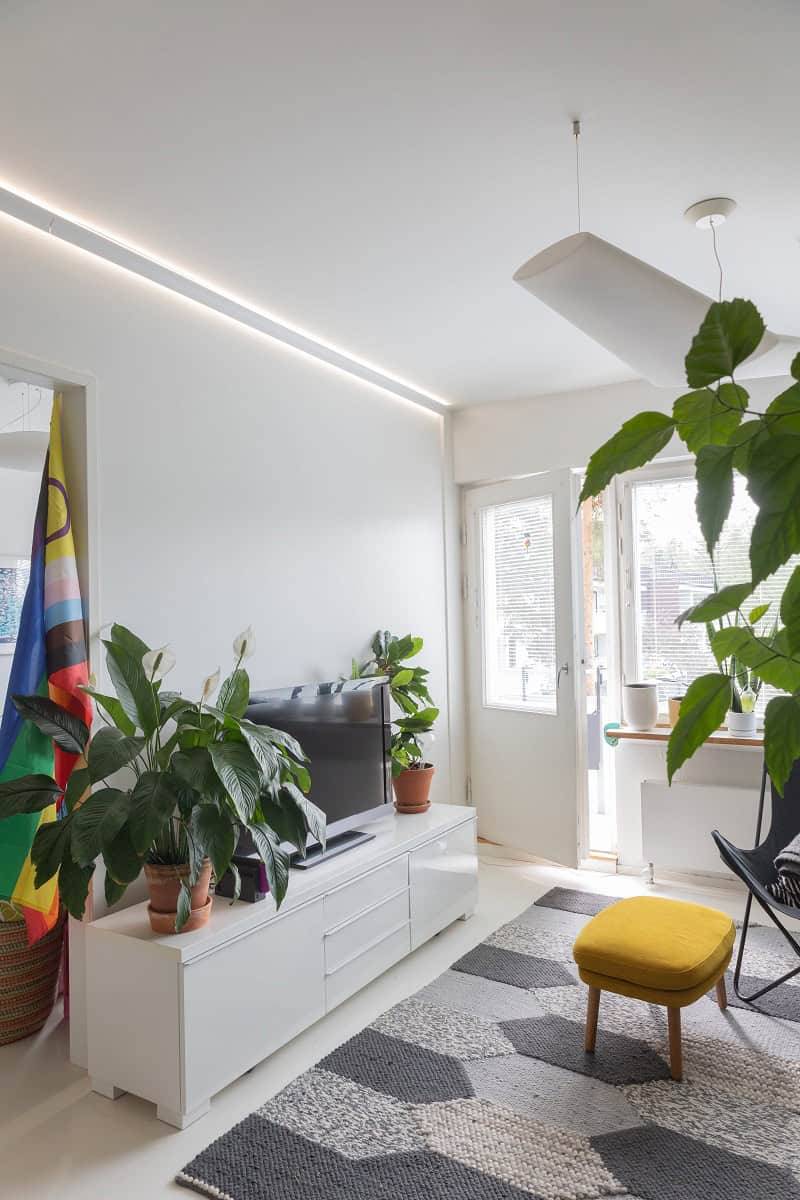
A TV screen can be viewed even in a well-lit space and when light partially falls on the screen, whereas a projector requires a much darker space. In terms of lighting, a TV is therefore more forgiving. If the space is also used as a living room, a TV is the more common choice, and there is no need to invest heavily in solutions to make room darker.
When using a projector, it is important to ensure that no unnecessary stray light reaches the projection screen and that the space can be properly darkened.
A projector can be mounted on the ceiling, placed on a high shelf, or installed on a wall. Luminaires should not be positioned directly in front of the projector, as lights placed too close can cast shadows from the projector and interfere with image quality. Pendant lights, in particular, may block the view of the screen or appear as shadows in the projected image if they are poorly positioned.
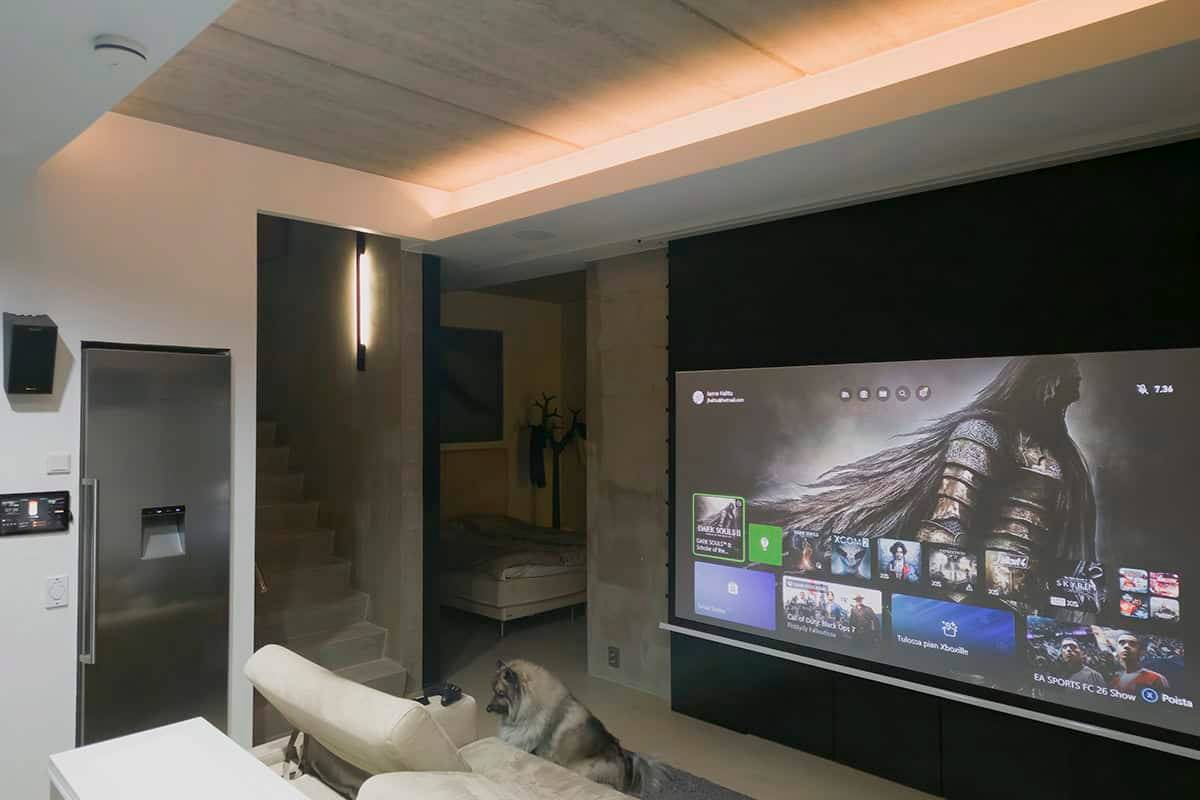
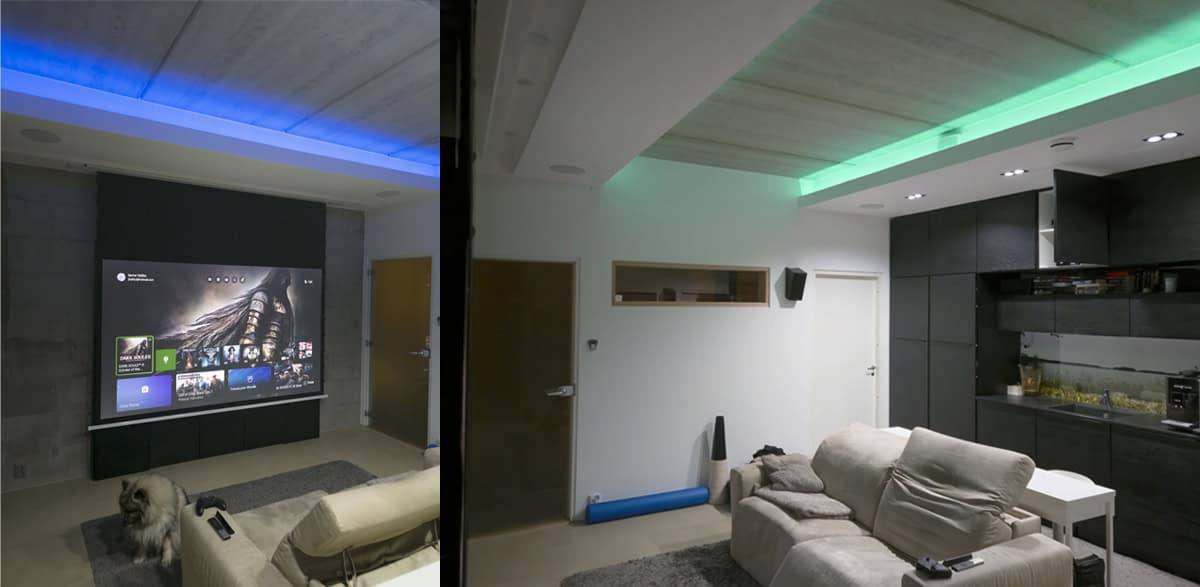
There are many different types of projection screens available. In the example shown in the lower image, the setup features a motorized screen that descends from within the ceiling and requires a 15 cm recessed depth. This required recess depth can also be utilized when installing lighting.
The lighting in the home theater shown below has been implemented using indirect RGB+CCT LED strip lighting and spotlights. The spotlights in front of the projection screen are installed on a separate circuit so they can be switched off during viewing. Part of the audio system has also been integrated into the lowered ceiling. The lighting in the space is controlled via a control panel and a smartphone.
A lowered ceiling opens up possibilities
A lowered ceiling can be built in the center of the room, along the edges, or only in part of the space. Recessed luminaires always require some form of lowered ceiling. We recommend designing and building the lowered ceiling only after the luminaires have been selected, to ensure it is deep enough for the chosen models.
Indirect lighting is a highly effective solution for a home cinema, as it does not cause reflections on the projection screen, provides soft illumination, and avoids glare. Creating indirect lighting with LED strips typically requires a 200–300 mm lowered ceiling, allowing the light to spread properly before reaching the ceiling surface. An LED strip installed in a lowered ceiling is a popular option, but indirect lighting can also be achieved using wall-mounted luminaires.
Luminaire drivers require installation space, but they do not have to be placed in the home theater ceiling. Drivers can be installed, for example, inside furniture or on the adjacent room side. It is important that the drivers remain easily accessible.
Furniture, structures, and interior elements
Fixed furniture always affects lighting placement. Take cabinets and structures located close to the ceiling into account when positioning ceiling lights. This helps avoid placing lights too close to cabinets or partially above them. If needed, direct lighting into the cabinet interior instead.
LED strips installed on the undersides of furniture create indirect lighting and a playful floating effect. Low-voltage wiring can be routed even in tight spaces, and fixed furniture allows drivers to be concealed neatly out of sight.
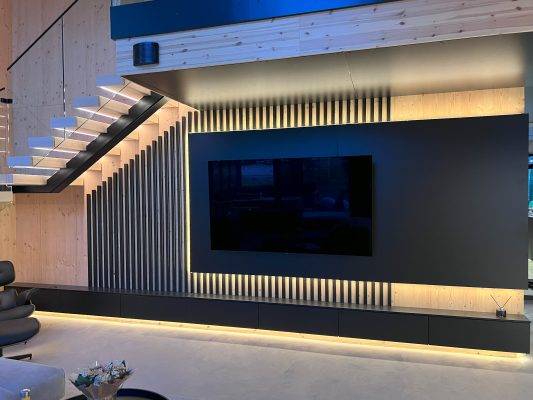
Illuminating steps and level changes in a home theater is important to ensure safe and easy movement when the room is dimly lit. Downward-directed step lighting is the most effective solution in a home cinema, as it does not cause glare.
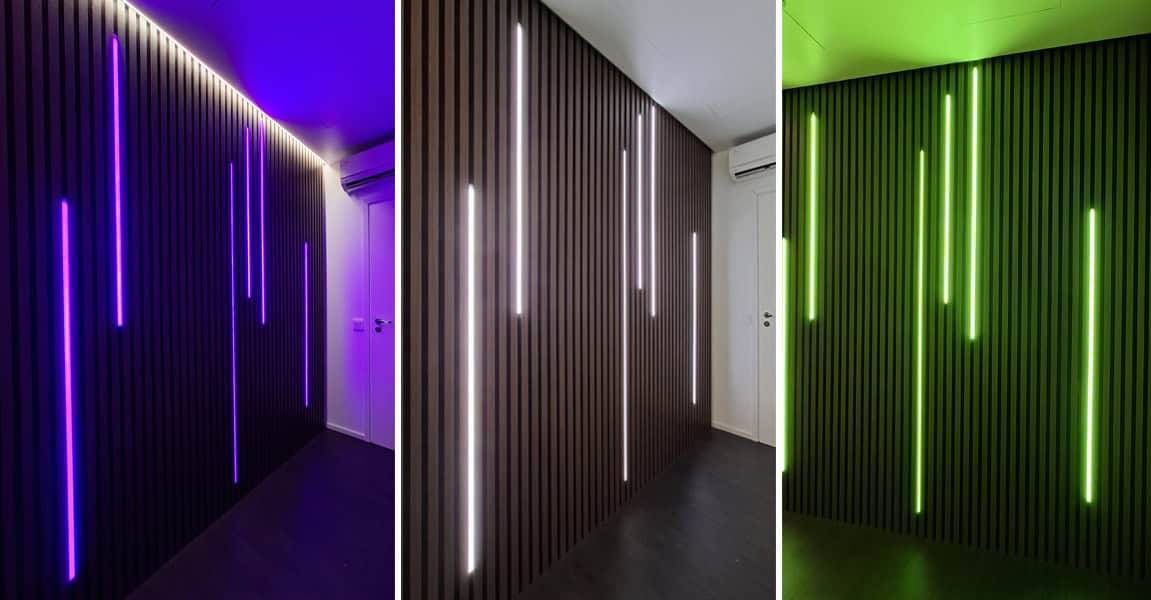
Acoustic panels and slatted walls have become popular elements in home theaters thanks to their sound-absorbing properties and visual appeal. Lighting can be integrated into these elements using LED strips. However, it’s important to note that forward-facing light can easily cause glare.
Light levels in a home theater
The required light output is influenced by factors such as the room’s floor area and ceiling height, its additional uses, and the color scheme of the space. If the space is primarily used as a movie and gaming room, a light level of around 380 lumens per square meter is sufficient.
It’s a good idea to include an option for neutral lighting to make cleaning the space easier. RGB lighting also works best when complemented by white light, as this prevents the eye from distorting colors and ensures a more balanced visual experience.
When planning the lighting, also take into account the space’s other potential uses. For example, the lighting requirements for a workspace differ significantly from those of a home theater in terms of both light quality and brightness.
If the room has dark tones (such as black walls), it’s advisable to double the amount of lighting to ensure sufficient brightness. Matte black surfaces absorb a significant amount of light.
Home theater lighting control
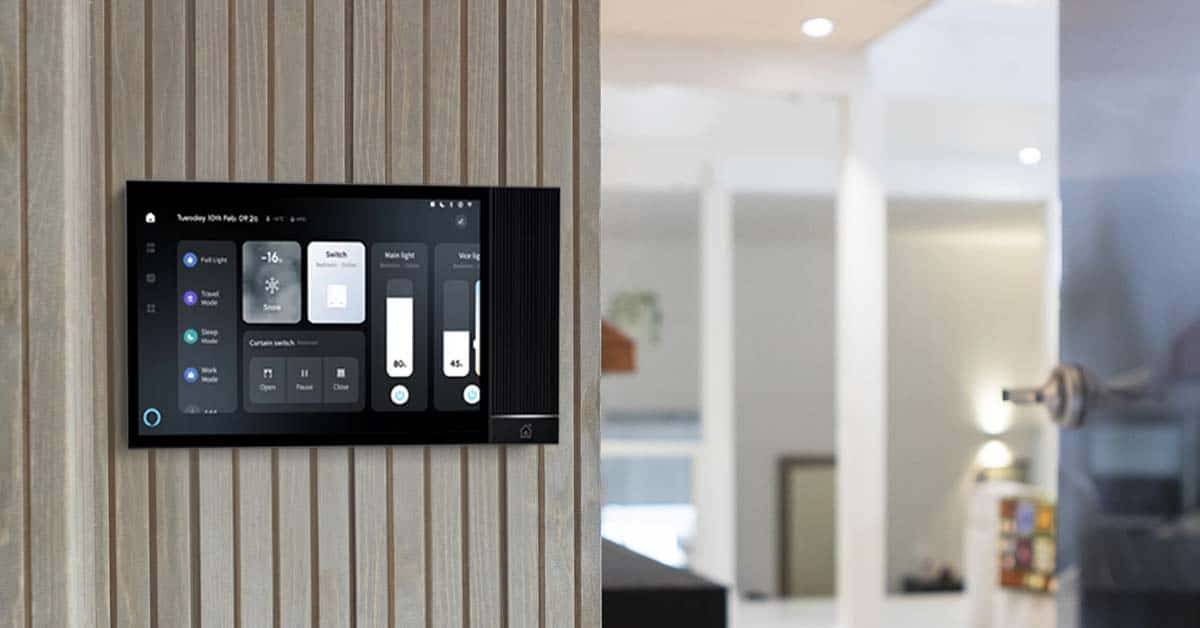
Certain features always require some form of lighting control. If you want to adjust the white color temperature, colors, or both, you need a control system. If you want to schedule lighting or save different lighting scenes, you need control. If you want to control your lighting via mobile devices or voice commands, you need a control system.
Wired or wireless – choosing the control method
With traditional wired control, you can adjust the brightness of the lighting and switch luminaires on and off. This is a practical choice for spaces where the lighting is already divided into multiple groups, or where there is no need to change the light color or color temperature.
DALI2 is also a wired control system, but it differs from basic wired control in both installation and functionality. With a DALI2 system, it is possible to control brightness, color temperature, and light colors. It is designed as a whole-home lighting control system and is therefore not a practical solution for controlling a single room only.
Products using the Zigbee 3.0 system can be controlled with wireless switches as well as mobile devices. To control the lighting via a smartphone, you also need a Zigbee hub/bridge from a compatible manufacturer, such as Azoula, Philips Hue, Tuya, Home Assistant, and others.
With Zigbee 3.0 systems, you can control brightness, color temperature, and light colors. In addition, it is possible to create various automations, depending on the system used. Of the systems mentioned above, all except Philips Hue are full home automation platforms that can control devices beyond just lighting. Some systems also support voice control (e.g. Alexa).
Home theater lighting checklist
- First, choose between a TV and a projector.
- Plan the placement of fixed furniture and technical equipment.
- Plan the placement of the lighting, taking the above considerations into account!
- Plan the lighting groups and adjustment options.
- Position the lighting, drivers (remember accessibility for maintenance), and lighting controls.