
A light sensor controls lighting automatically based on the surrounding light levels. When darkness falls, the sensor switches the lights on, and when daylight returns, it switches them off. In this article, we take a closer look at the features and functions of a light control sensor.
How does a light sensor work?
Light sensors generally use a built-in photo sensor that monitors the surrounding light levels. When the light drops below a preset threshold, the light control sensor switches the lights on. Once the light level rises above that threshold again, it automatically turns the lights off.
Light sensor installation location
If you install the light control sensor outdoors, choose a location where it is not continuously illuminated but also not too deeply shaded. Depending on the wiring, the light sensor and the luminaires can be placed on different sides of the house. In most cases, the north side of the building provides the most consistent lighting conditions, as it remains shaded throughout the day. This helps prevent incorrect adjustment of the lux threshold.
If the sensor is exposed to the light of a streetlamp or another artificial light source, it will not function properly. A light sensor works best when it detects natural daylight directly, without interference from electric lighting.
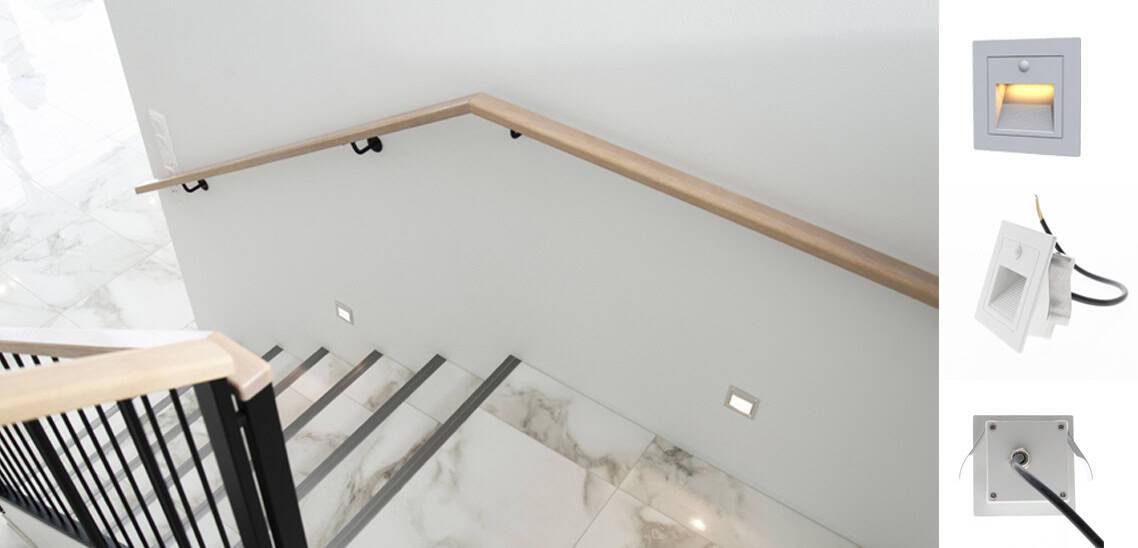
Indoors, the installation options for a light sensor are more limited, as the sensor needs to detect natural daylight in order to work properly. A good solution that combines motion detection with light-level sensing is KULKIJA, which is designed for staircase step lighting. This product works best in staircases that receive some natural light, especially when the goal is for the lighting to activate only at night.
In which installation locations does a light sensor not work properly?
A light sensor does not work properly in spaces that receive no natural daylight or only very little natural light. In areas that are too dark, the lights connected to the sensor will remain on continuously.
Adjusting the lux setting of a light sensor
Once the installation location has been selected, the sensitivity of the light sensor is adjusted to suit the specific application. In most light sensors, you can set the desired lux level at which the lights will turn on. Typically, a light sensor without a motion detector can be adjusted within a range of approximately 2–60 lux. In
If you install the light sensor on the south side of the house, it’s important to take cloudy weather into account when setting the lux level, so the lights don’t switch on unnecessarily when the sun goes behind a cloud.
How to choose the right light sensor?
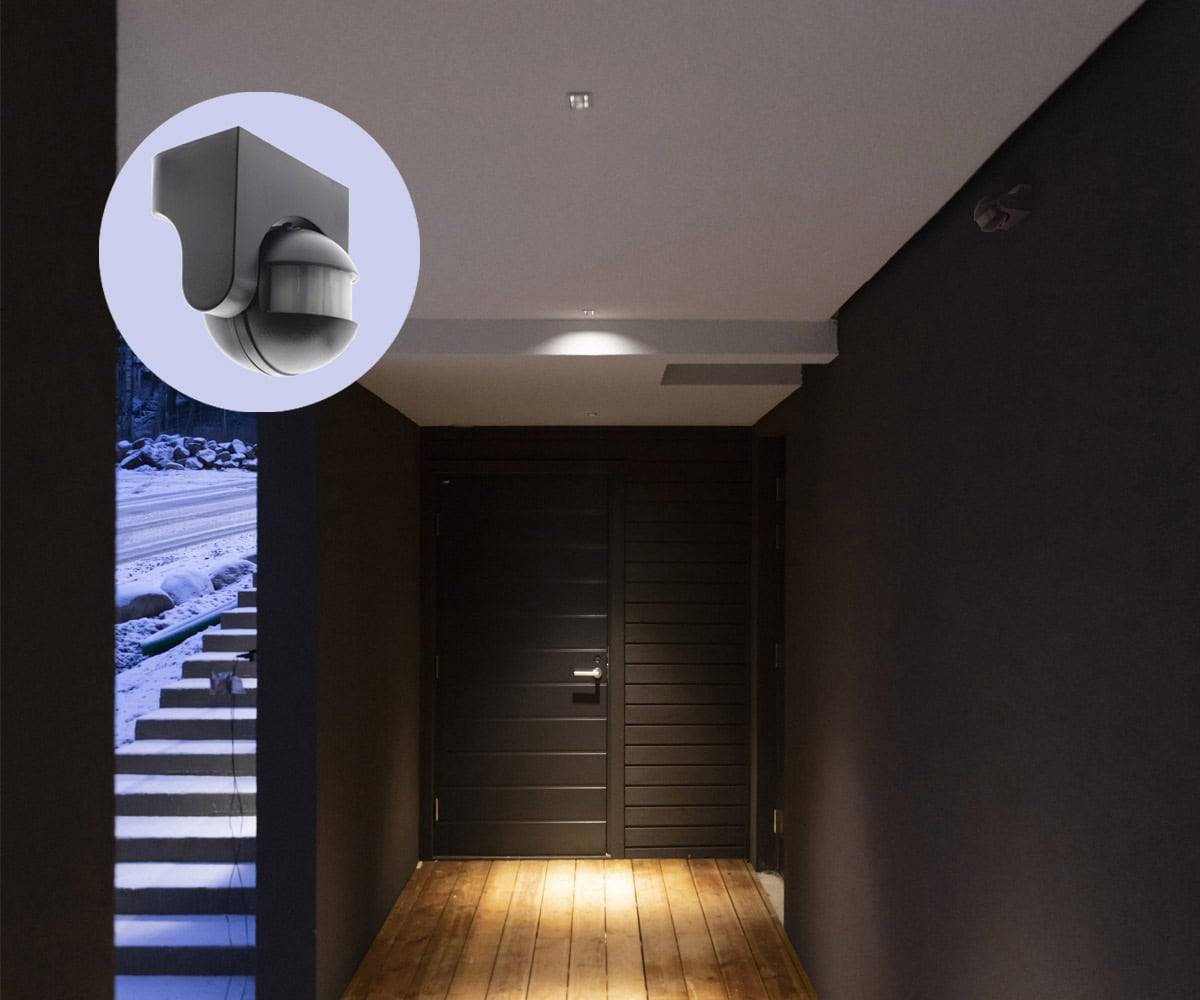
First, consider whether you want a light sensor only or a combination of a light sensor and a motion detector. Think about which lights you want to turn on when it gets dark. Light sensors are available for LED strips (12–24V), outdoor lighting (230V), and other options as well. Choose the sensor based on the type of luminaire and the intended use.
When choosing a light sensor, also take into account any load limitations. The current for the lighting group always runs through the light sensor. For example, a light sensor designed for LED strips typically supports a maximum load of 192 W. Always size the load about 10–15% below the maximum to ensure a durable and reliable solution.
A light sensor is not always the best solution for every application. For example, if you want all outdoor lighting to turn on at sunset and switch off at sunrise, a home automation system may be a better option. With such systems, lighting can be programmed to operate automatically based on time schedules. Examples include DALI, where an astronomical clock can be used, or Zigbee-based systems such as Tuya, which allow lighting to be scheduled according to set times.
Light sensor troubleshooting
If the light sensor does not switch the lights off, first check whether the sensor is dirty. Cleaning a contaminated sensor often resolves the issue. If the sensor is installed in a location that is too shaded and the lights therefore remain on, try adjusting the lux setting of the light sensor. If this does not help, you can test the sensor’s operation using a phone flashlight. If the lights are still on, the light sensor is most likely faulty.
